Free trial up to 24 hoursWhatsApp support 24/724K+ live channels in 4K · FHD · HEVC · HD24K+ channels in 4K · Free trial up to 24h
IPTV Firestick Ireland
To set up IPTV on a Firestick: install the Downloader app, allow it to install apps in Developer options, use it to install the player app we send you, then enter your login. It takes about 10 minutes and works on every Fire TV Stick, 4K, 4K Max and Cube.
Step by step
Follow in order. Menu names can differ slightly on older Fire TV software.
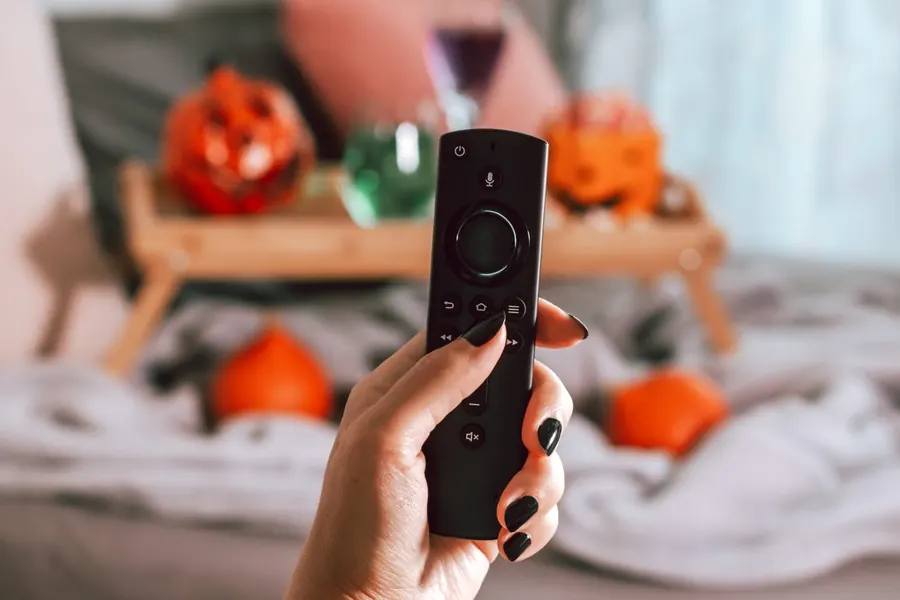
On the Fire TV home screen, go to Find and search for Downloader. Install the app with the orange icon.
Developer options are hidden on newer Fire TVs. Open About and click your device name seven times until you see "You are now a developer".
Go back one screen, open Developer options, choose Install unknown apps and switch Downloader to ON.
Older Fire TV? The setting may be called "Apps from Unknown Sources" — turn it on.
Open Downloader, type the code or link we send you on WhatsApp for the recommended player app, and press Go. When the download finishes, choose Install, then Done.
Tip: after installing, delete the downloaded file when Downloader asks — it frees up space on your stick.
Open the player app and choose the Xtream Codes login option. Enter the four details from your WhatsApp message exactly as sent.
Common mistake: an extra space or a capital letter in the username or password. Copy them exactly.
Wait a minute or two while live TV, movies, series and the TV guide load. Open the Ireland group, then long-press the channels you watch most to add them to favourites.
Press the Home button, go to Apps, highlight the player app, press the menu button (three lines) and choose Move to front.
Which Fire TV?
| Device | Picture | Good for |
|---|---|---|
| Fire TV Stick 4K Max | 4K | Best all-rounder — fast menus, Wi-Fi 6E on newer models |
| Fire TV Stick 4K | 4K | Great value for a 4K TV |
| Fire TV Cube | 4K | Fastest; can take a network cable for a rock-steady picture |
| Fire TV Stick / Lite | Full HD | Fine for HD TVs and bedrooms — no 4K |
Want 4K? See what 4K IPTV needs for broadband and Wi-Fi.
Fixes
| Problem | Try this |
|---|---|
| "Invalid login" or "authorisation failed" | Re-type the username and password exactly. Check the server URL has no extra spaces. One login works on one device only. |
| Can't find "Install unknown apps" | Turn on Developer options first (step 2) — click your device name seven times in About. |
| Channels pause or buffer | Restart the Firestick, use 5 GHz Wi-Fi or an ethernet adapter, or switch to the FHD/HEVC version of the channel. |
| TV guide is empty | In the app's settings, refresh or update the EPG, then wait a minute. |
| Stick is slow | Settings › Applications › Manage installed applications — clear cache of the player app; uninstall apps you don't use. |
Firestick questions
It lets Downloader install the player app. Only install the app we send you, and you can switch the setting off again afterwards.
We send the recommended player app with your login on WhatsApp, along with the Downloader code. We never charge an app fee.
No. One login works on one device. For a second Firestick, choose a 2-device plan on the plans page.
The Fire TV Stick 4K, 4K Max and Cube do. The basic Fire TV Stick and Lite show Full HD.
Message us — we'll send the latest Downloader code. Your login details stay the same.
Other devices
See the Samsung & LG guide, or get a free trial login first.